Physical Computing

Weekly Activity Template

Kei Masaba: Project 1 taught by Steven Hudak.


Module 1


Activity Research

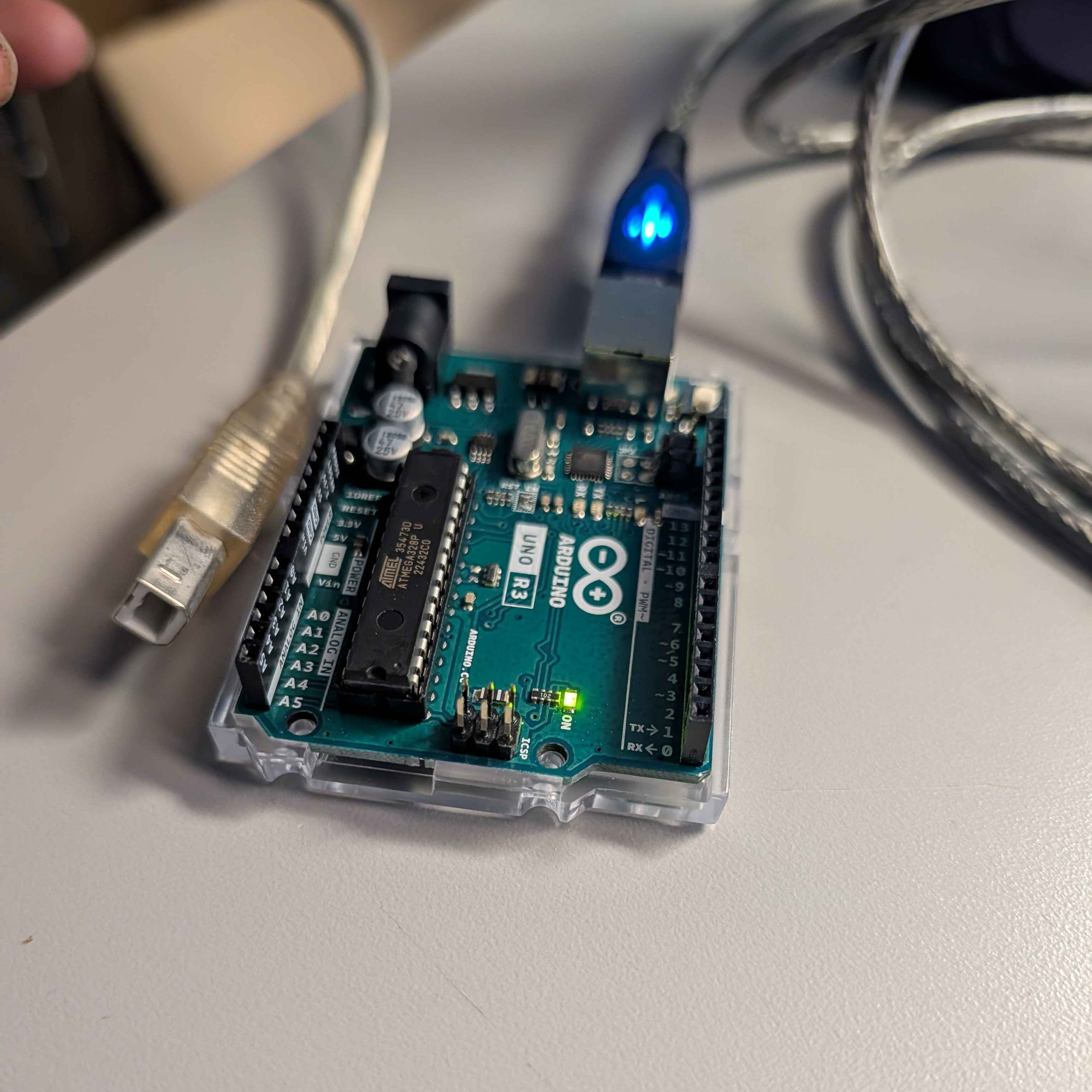
Depending on the student, activity one is either an introduction or reintroduction to the 'Arduino', specifically the uno model. For the first week of class, we learned more about the unique applications that can happen when both protopie and the arduino collaborate.

Activity 1

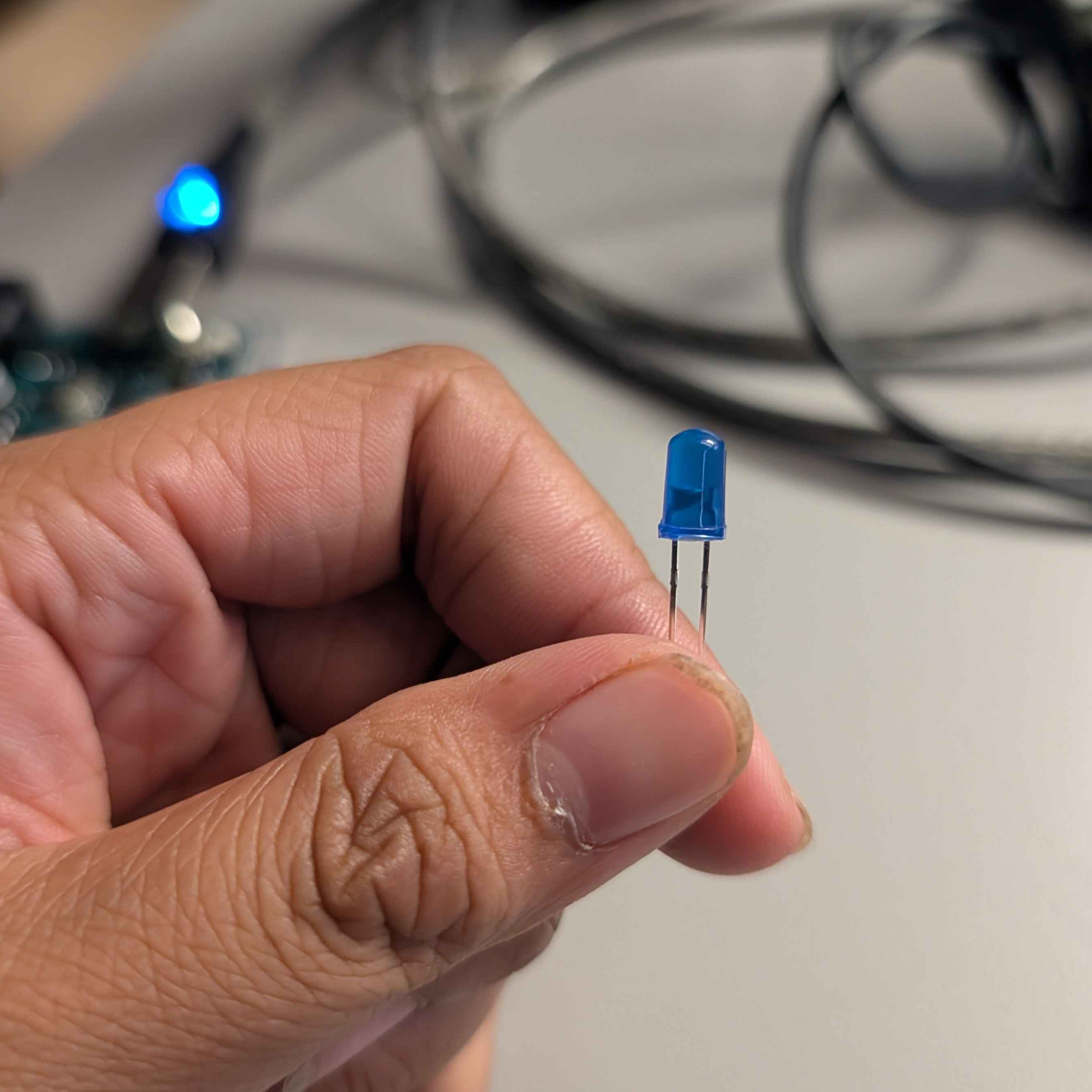
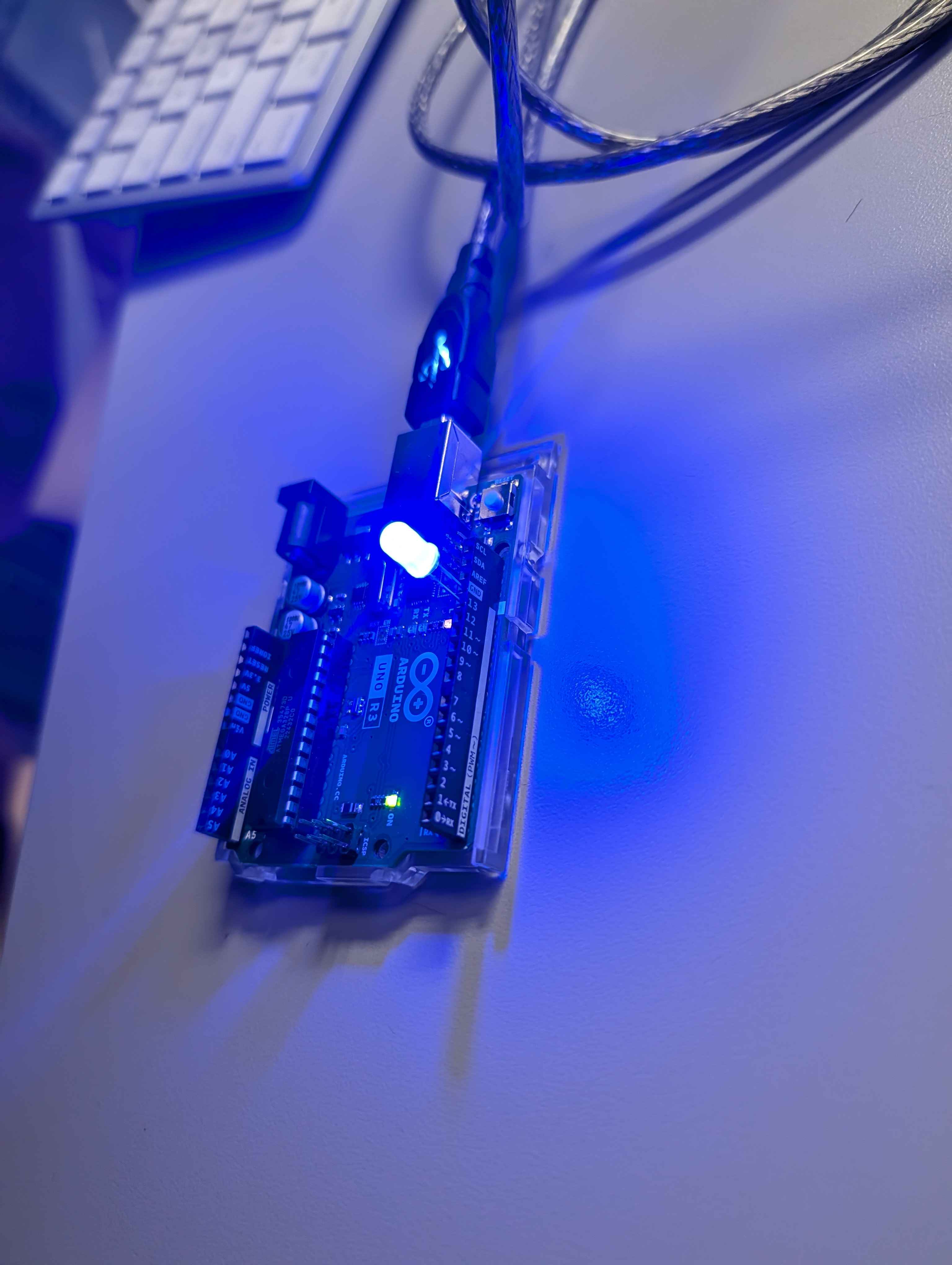
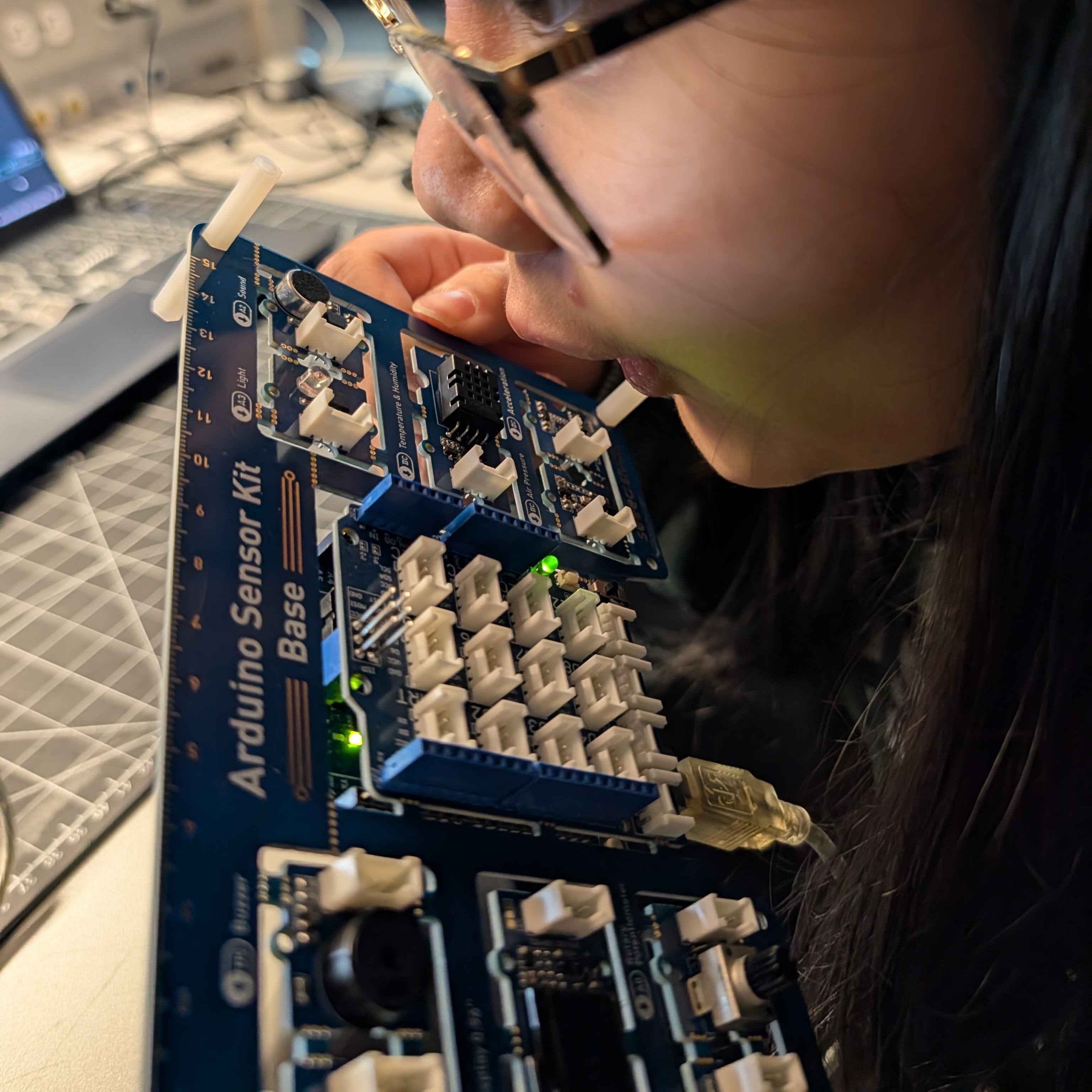
We were introduced to different arduinos that were more complex than the uno model itself. They all serve different purposes and therefore, also ways to show off the features. I don't think that I'm personally at the level yet or have the confidence to use it to the fullest at the level of knowledge I have now. In fact, looking at it, I get a sense of unease and worry. But eventually, I would like to take up this challenge  Another model that was used to demonstrate the collaborative potential of utilizing both protopie and arduino to mimick the room thermostat. I thought that it was a cool yet simple demonstration. But despite the simplicity, I know theres a lot of time and effort that goes not Just visually, but also on the coding side. Interacting with the dial is something I'd like to fiddle around with for my own project in the future  For our test run of arduino in class today, we were given the simple test activity of making the light blink with our arduino code. In order to make the light more noticeable, we were given LEDs to insert into the arduinos. I did a similar project last year with them and it was similar, except we did a sequence that lasted for a few minutes instead of one blinking action that looped. The LED we were given for the class  The initial blinking light that came with the arduino was a green light that wasn't noticeable. Most people from what I had observed struggled to find the light blinking until the LED was used and inserted correctly, the right prongs being in the ground and the numbered output. When I saw the blinking light suddenly, I was a little blinded by it.

Activity 2

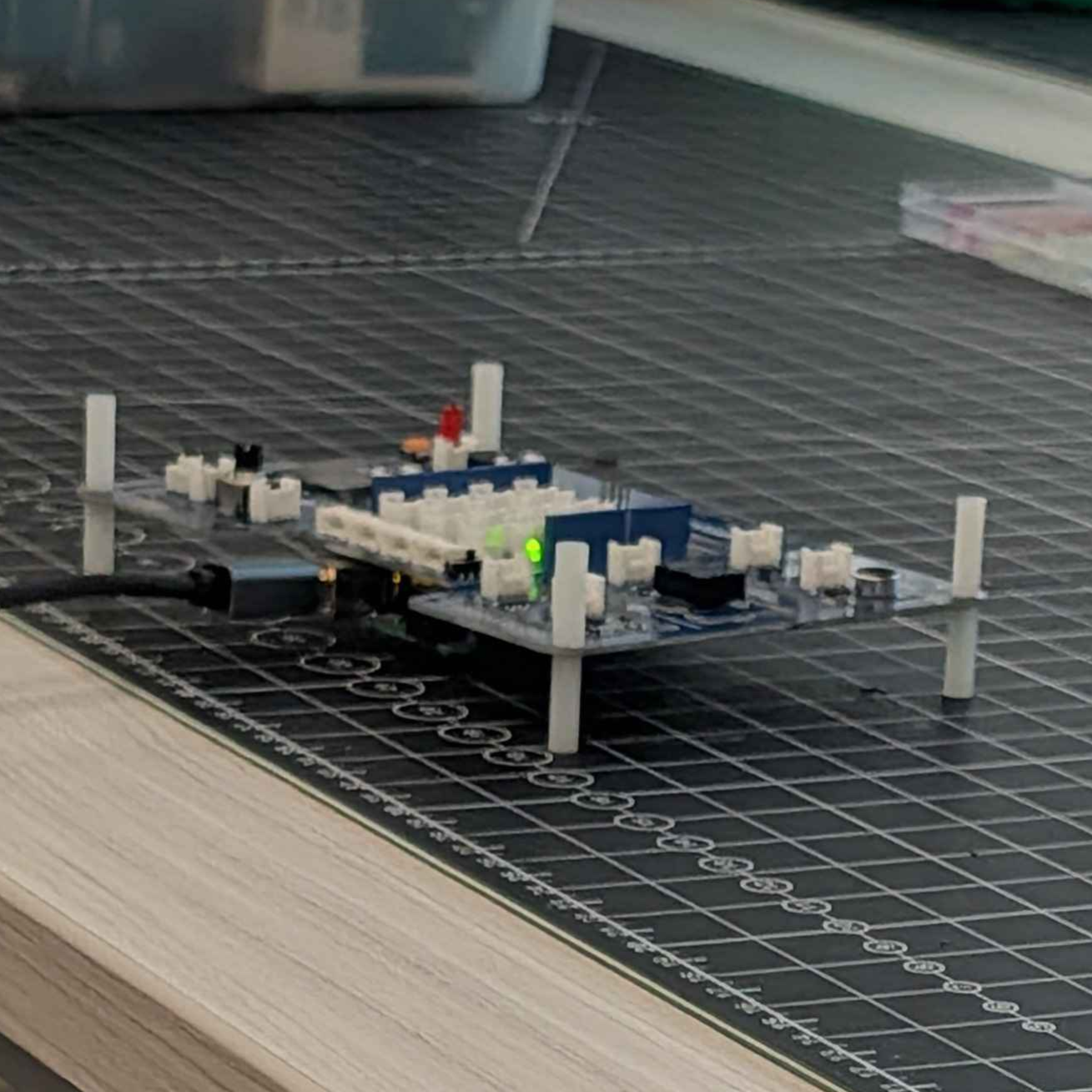
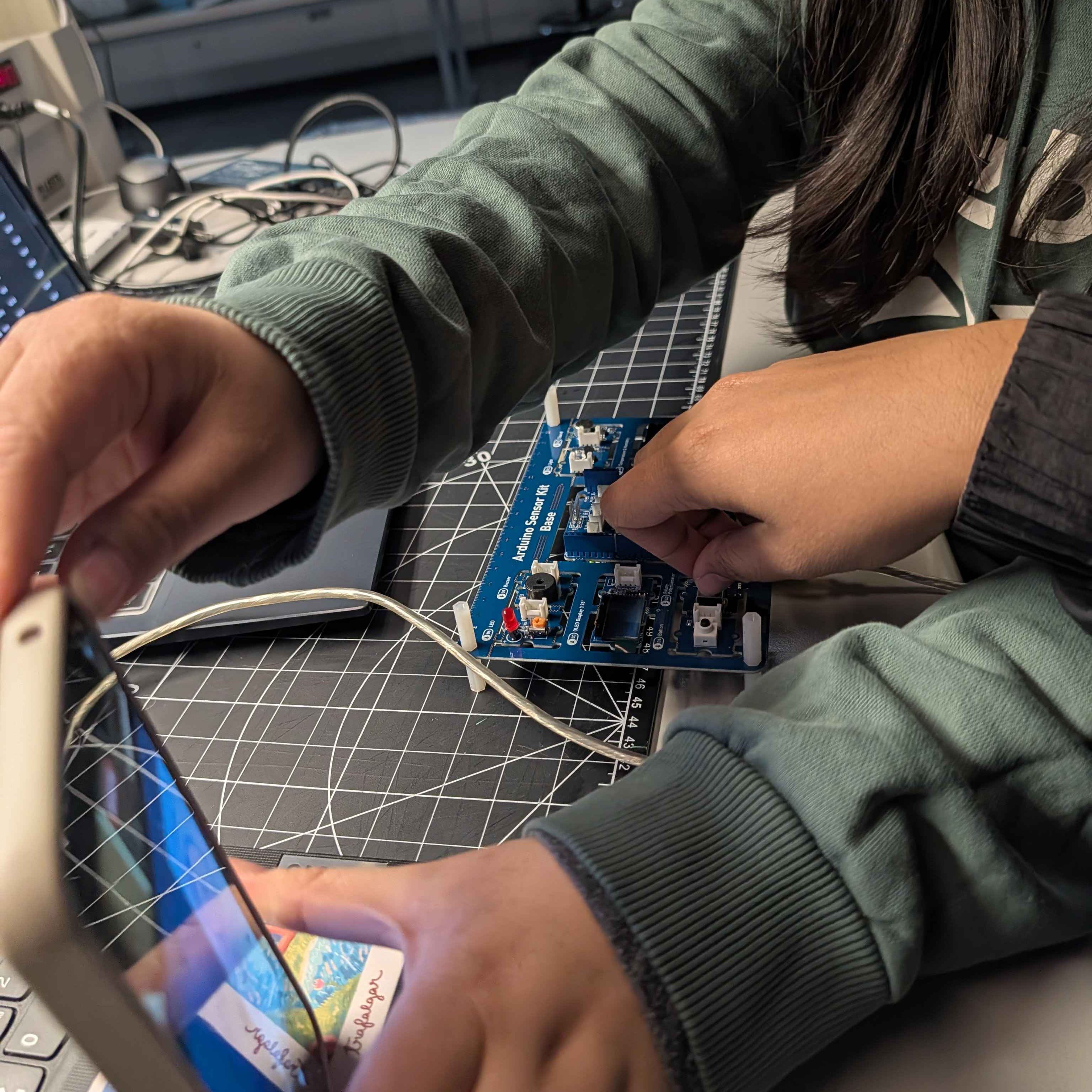
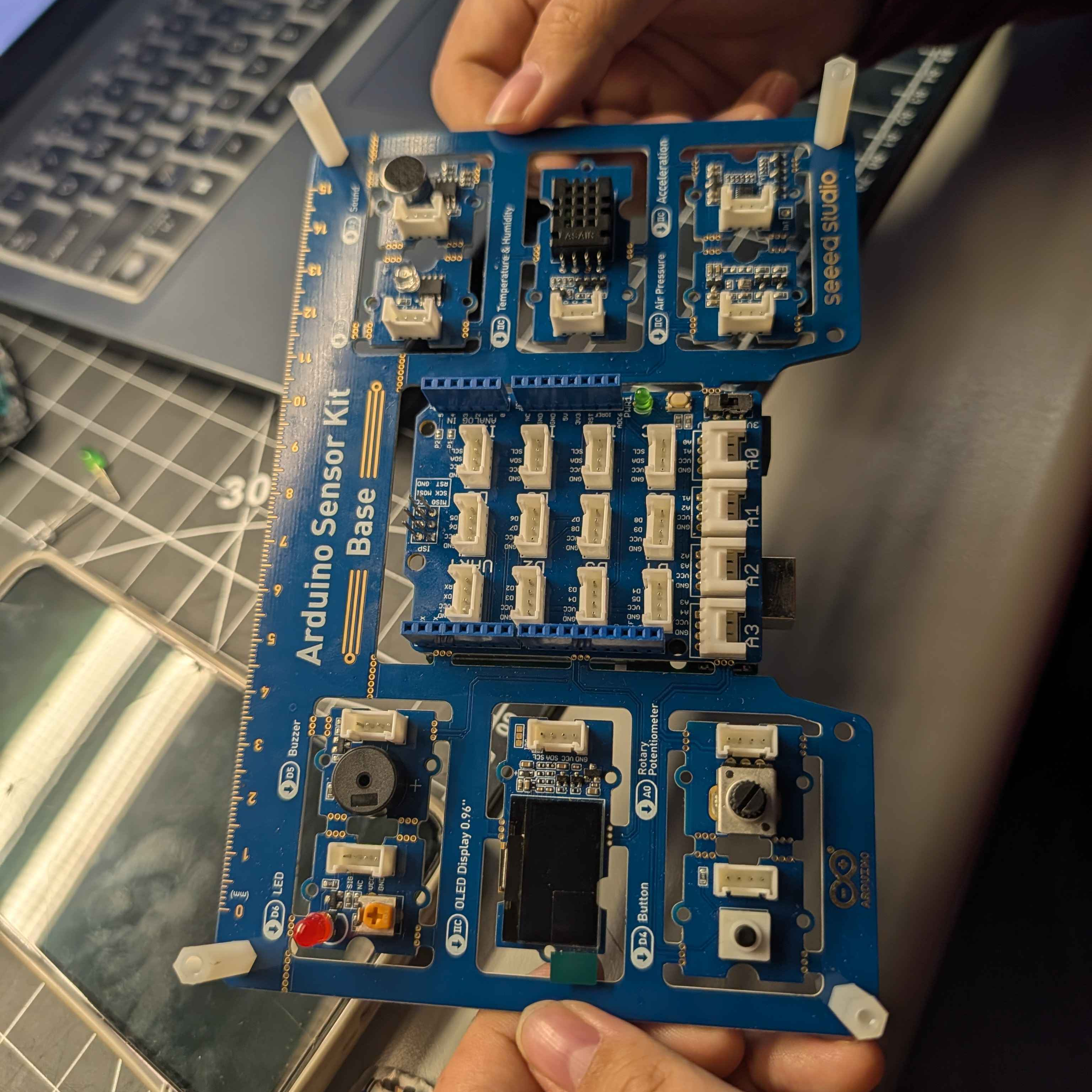
 The in class activity was meant to build on the previous knowledge we learned from the last class in regards to how arduino works alongside protopie as one functioning system. While we were demonstrated how the project works, this week we had the task to connect the applications and devices, making it work. The arduino provided was unlike the uno model that some people weren't
               familliar with. Myself included since I worked with the uno last year for a project, this model was noteably more complex with more triggers and even a breath or temperature sensor that was demonstrated last week.
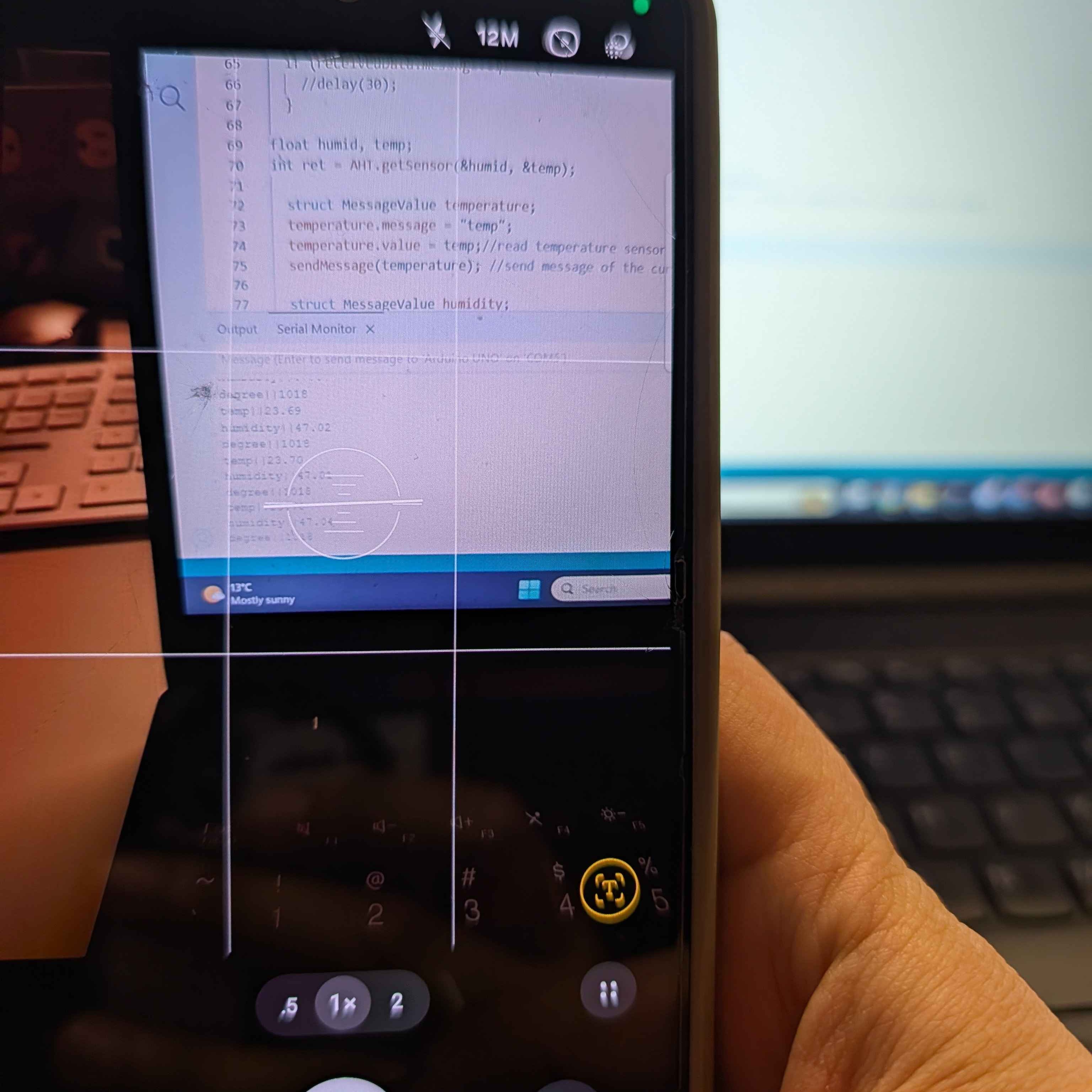
                A picture taken of the initial code we were working with in order to get the project operating as intended. There plenty of strings within the code I was not personally familliar and concluded that I needed to research how everything operates or take much needed time to break it down, understanding each part slowly and surely.
               While we are able to have things or applications code for us. I think learning at least what things do before getting it automated is better than doing something but not understanding said actions at all.
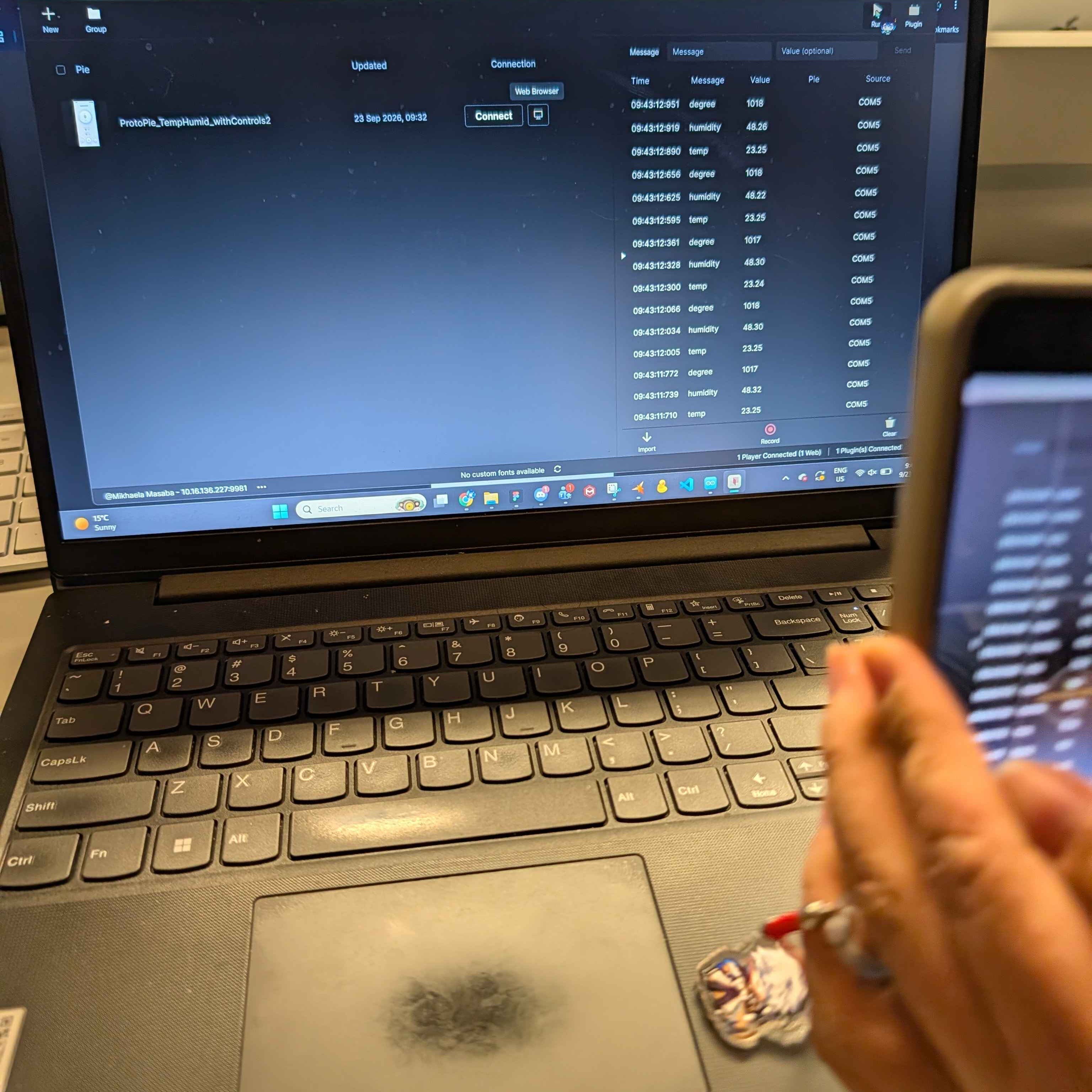
                Since this was a class activity that took up a majority of the class itself, there were few but impactful issues the occured. None of the projects were connecting due to a naming issue that happened due to the fact the project was downloaded, resulting in the name change. This places importance on the fact that naming the files accordingly can either make or break the project. Keeping track of the name of your projects can help you be sucessful in your endeavors. If there is even one change within the characters of the project, it can end rather badly. But the experience itself was super insightful.
               After messing around with the code for a while, I was able to connect the two applications, gaining the ability to alter the current settings through two different means. Through a physical Knob and what I believe was a microphone output or a thermometer of sorts that detected atmospheric changes in response to certain actions. It makes me curious on what limitations could exist for the applications sicne based off this demo, they seem infinite.
               
               
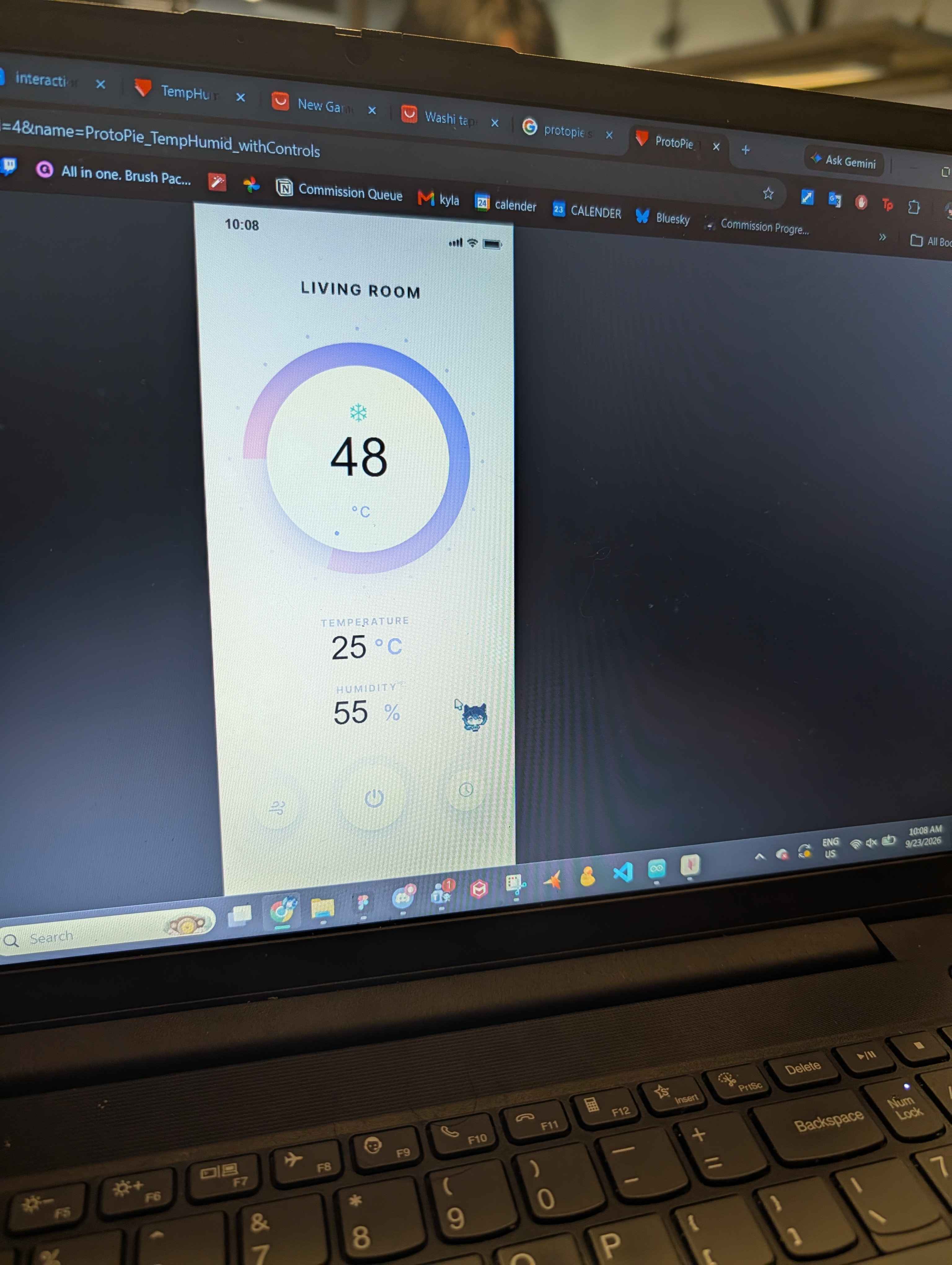
               During the test demo,  several things were tested, switching between two computers during the demonstration to see if the response would differ from devices. Or scanning the QR code through 2 different phones, where a lot of errors took place. Ensuring that everything was working. Getting protopie on the phone working so it can connect to the computer where the project signal was being hosted and the protopie could also be shown on the phone itself. This is in regards to the display of the UI design to display the temperature

Activity 3

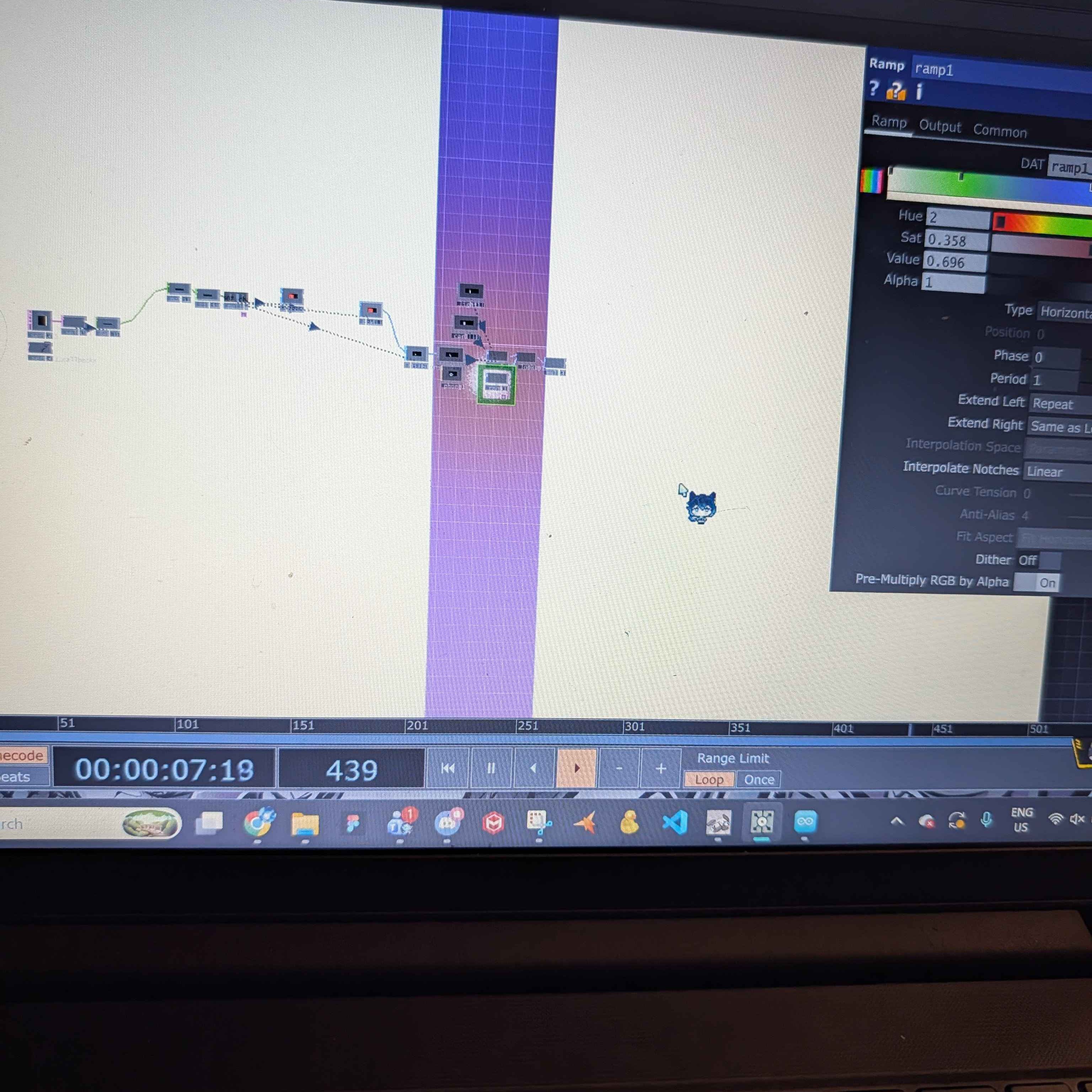
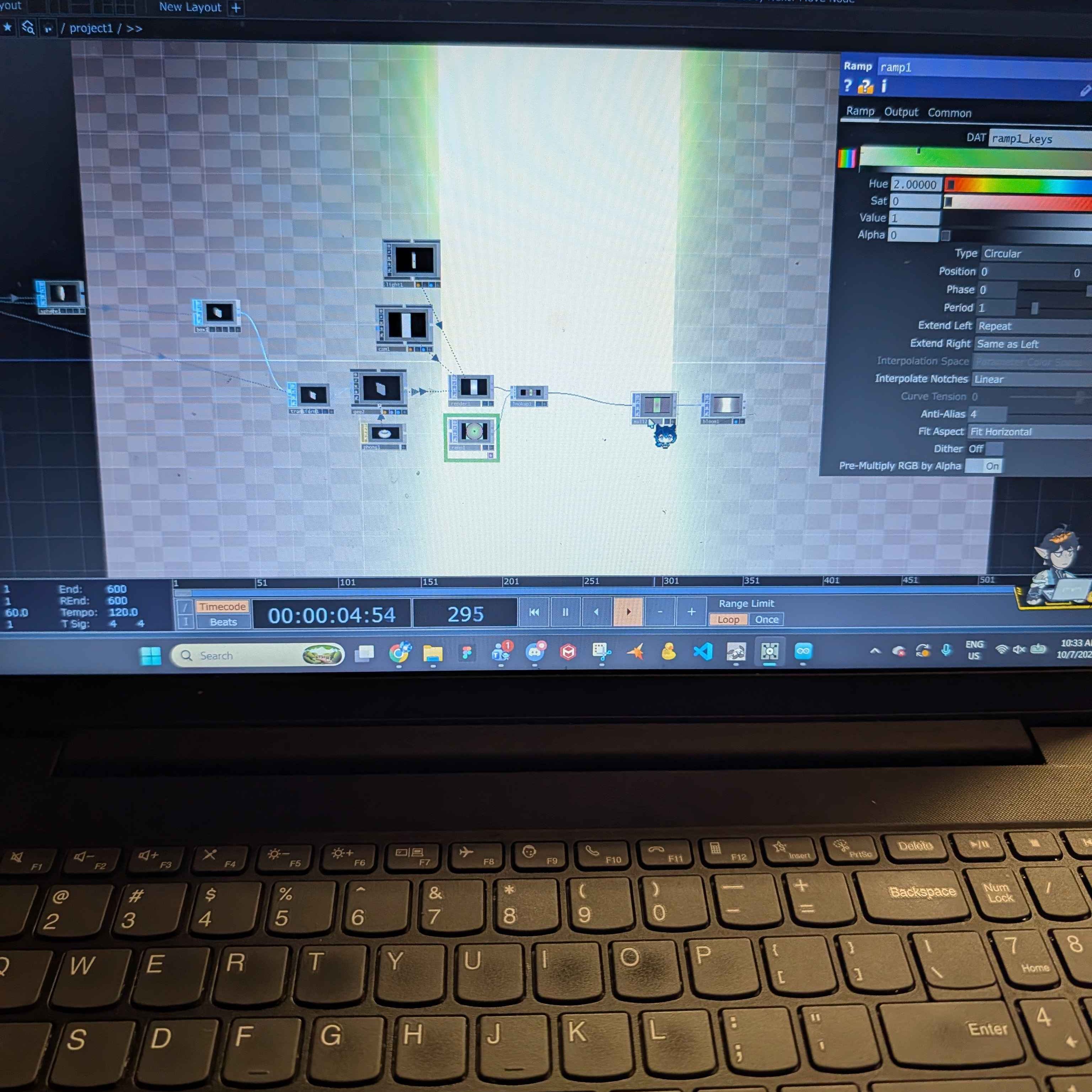
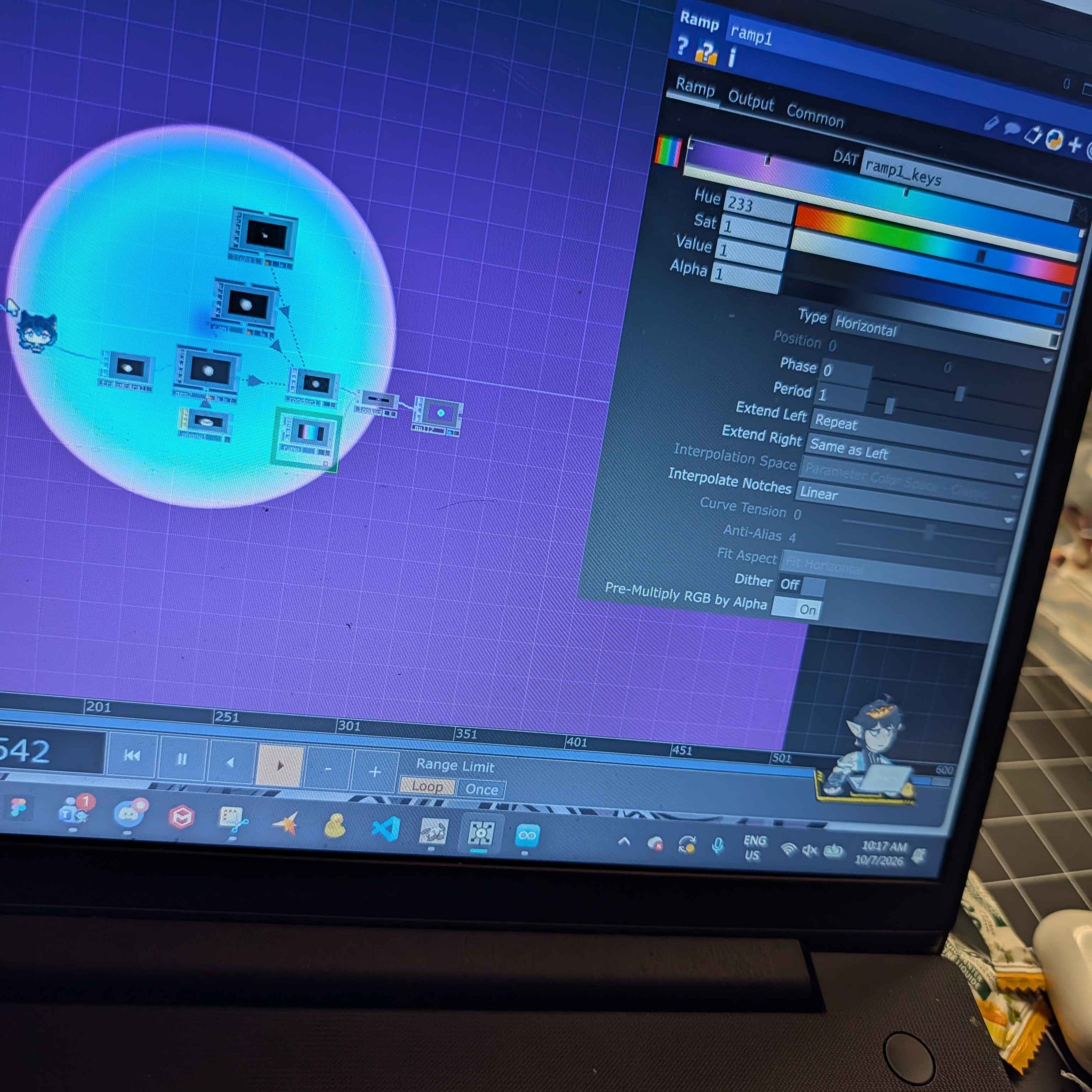
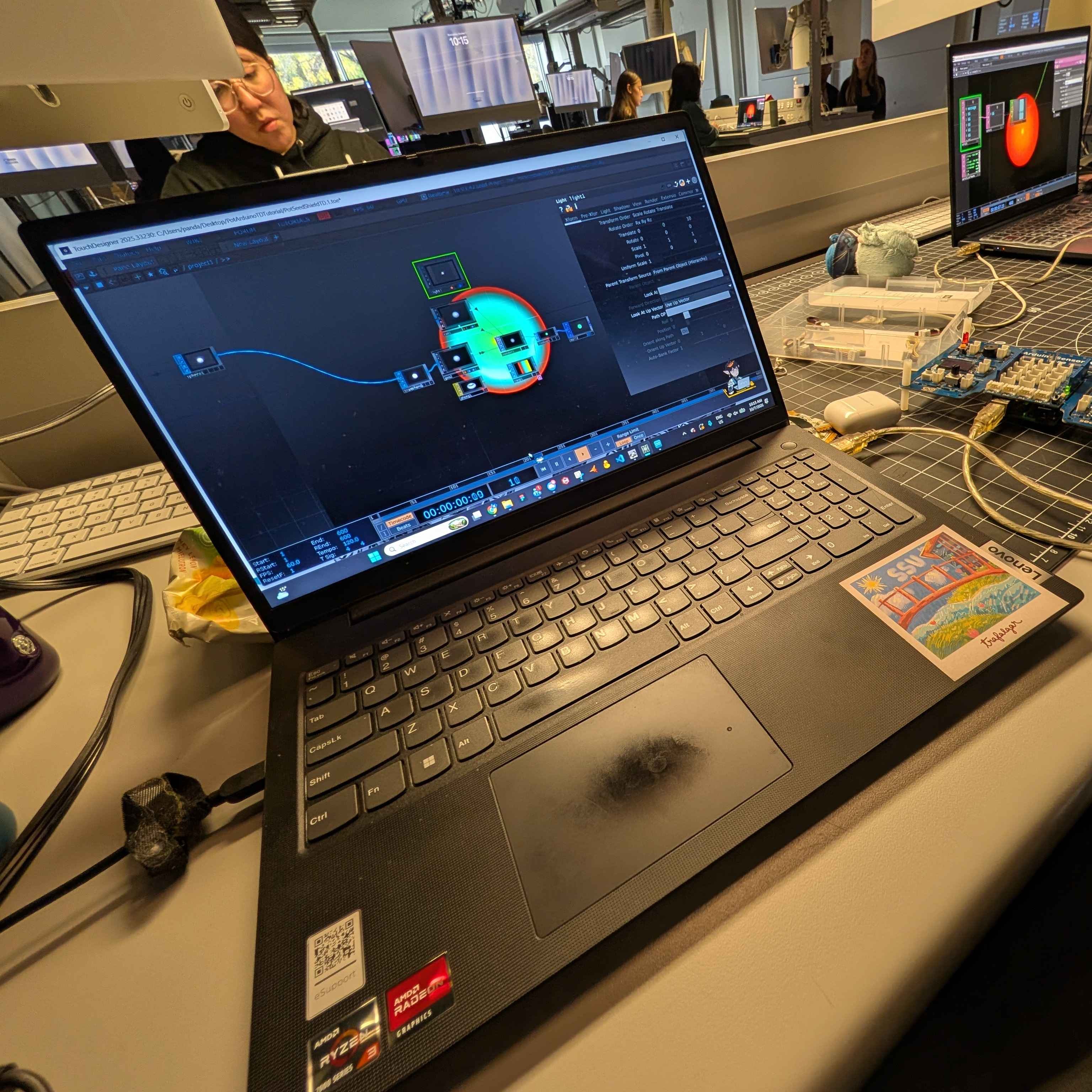
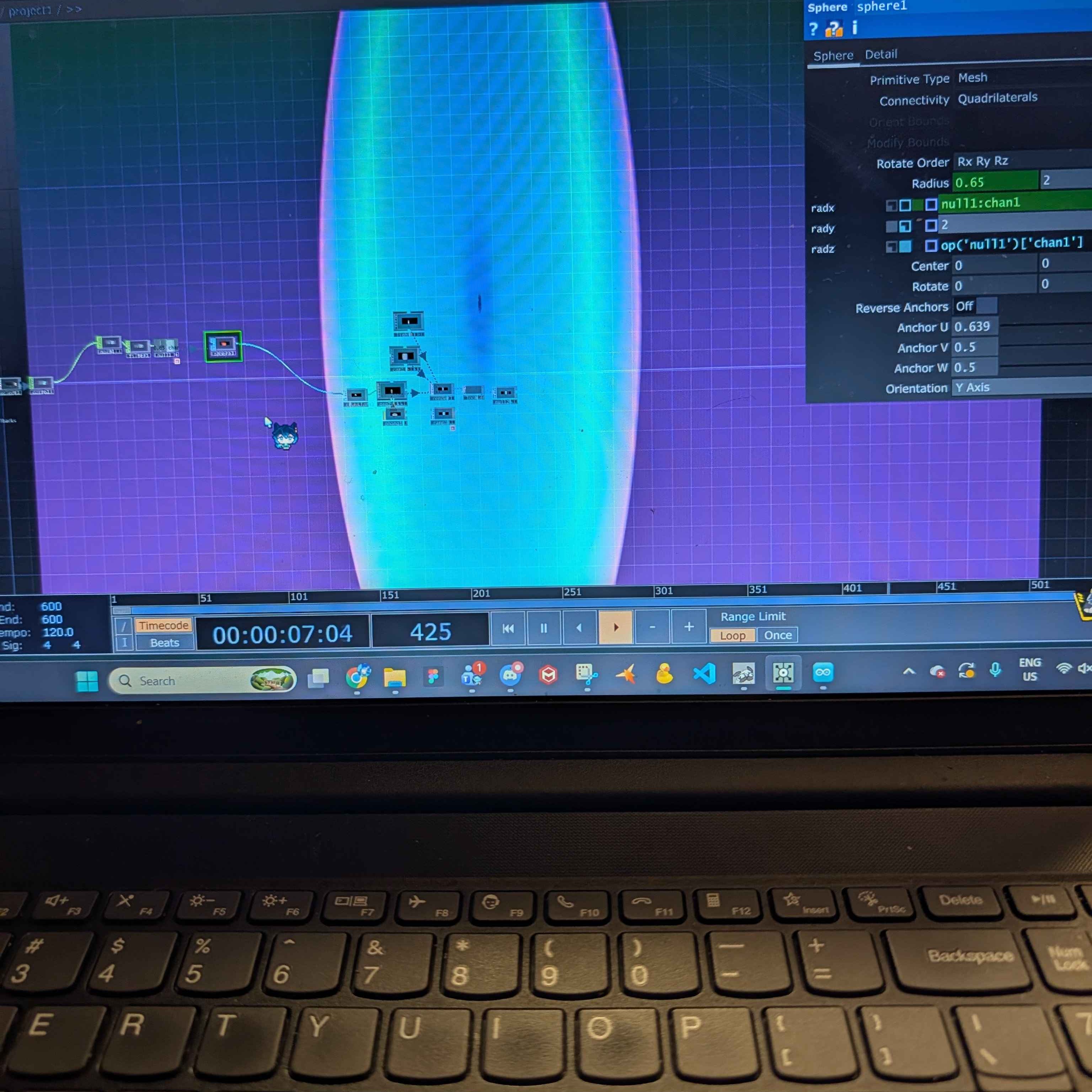
I didn't have much issue setting up the project file provided onto my computer and was able to load it quite efficiently. I already started to adjust and change the colors provided to see how the visual delivery of the file would change. One of these major changes was adjusting the shape of the gradient to be more rectangular in shape and also changing the height and width. This would affect how it reacts to being adjusted, either being wider or taller depending on the parameters. I played around briefly with the visual effects that were available to me in touch designer. One of the effects that I enjoyed using was specifically the bloom effect that made the composition of the project. It made me intrigued since this activity served as a refresher of touch design for this activity. Visually, this looks like a door being opened and the light leaking through the cracks. Playing around with the gradient stops, selecting colors based off images found online. I was also messing around with the different modules available to me and trying to connect them to the main project to see how the project changes interaction wise and visually. Disconnecting and connecting new modules to project to see which ones are necessary for it to operate normally and which can be changed or adjusted. Connecting and syncing the arduino was easy due to the fact that a similar exercise was conducted the previous week for activity 2. I wanted to explore how to create 3D shapes or an audio reactive project rather than a project that reacts to a knob being turned up or down like in this demonstration. I really enjoyed what was achieved last week with the microphone interaction and the temperature meter. Playing around with both the position and scale of the elipse, changing what reacts when the knob is interacted with to be the Y scale instead of the X scale, resulting in a taller elipse rather than having it become wider.

Research Activity


Consumer Trend Research

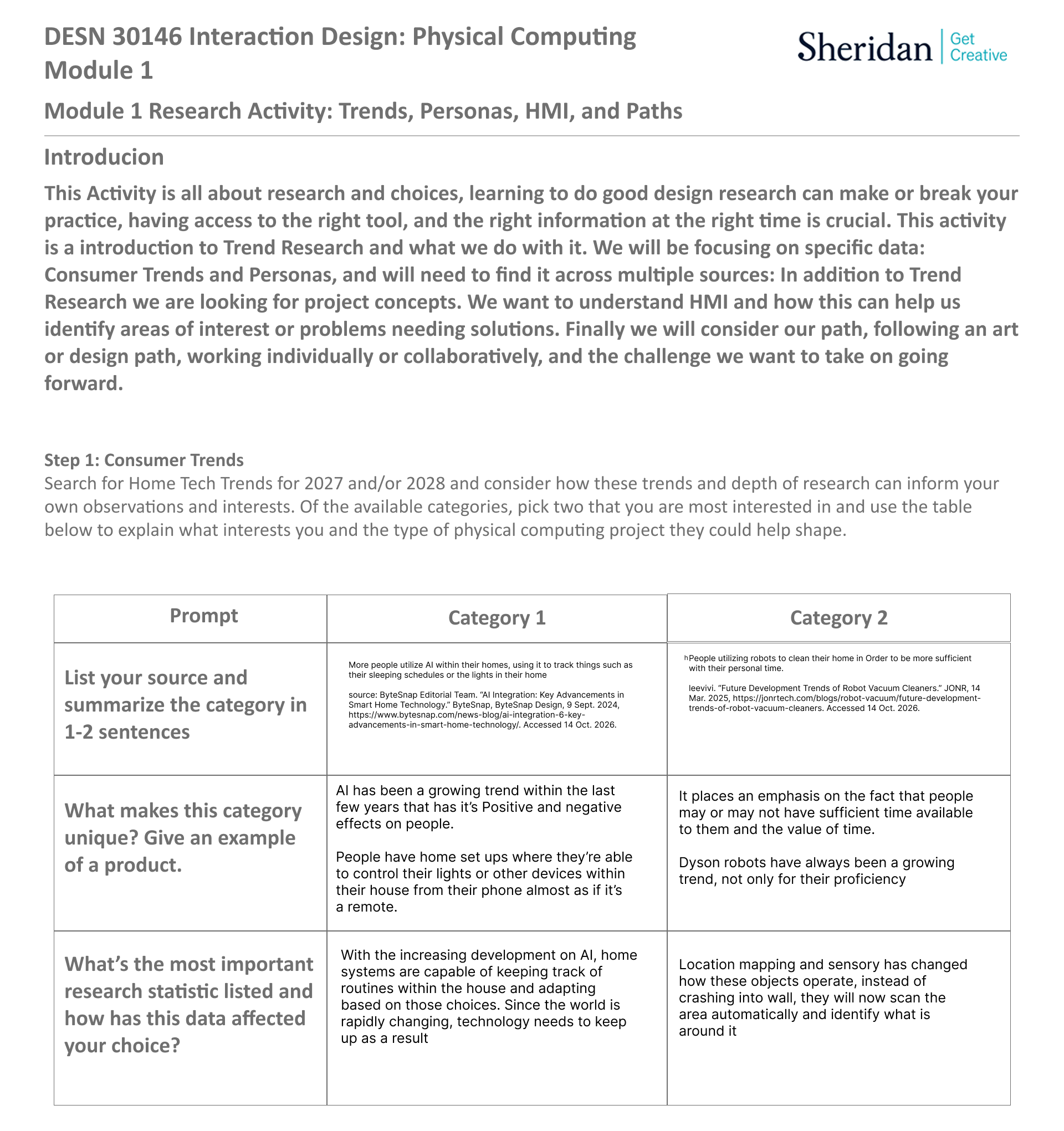
The topic of research that I looked into for this project heavily relate to things that I have at home. I Live with people who are constantly working so when an option to make their personal lives less stressful.

I struggled with finding articles because of a lack of feeling inspired until I looked specifically at people who were skeptical about the capabilities of the appliances. I'm personally skeptical about AI use, always have been but facial and enviroment recognition are things that interest me. Since I have these items at my own house, I've gotten use to their pressence in my personal life, to the point it's been integrated into my daily schedule.

Personas Research

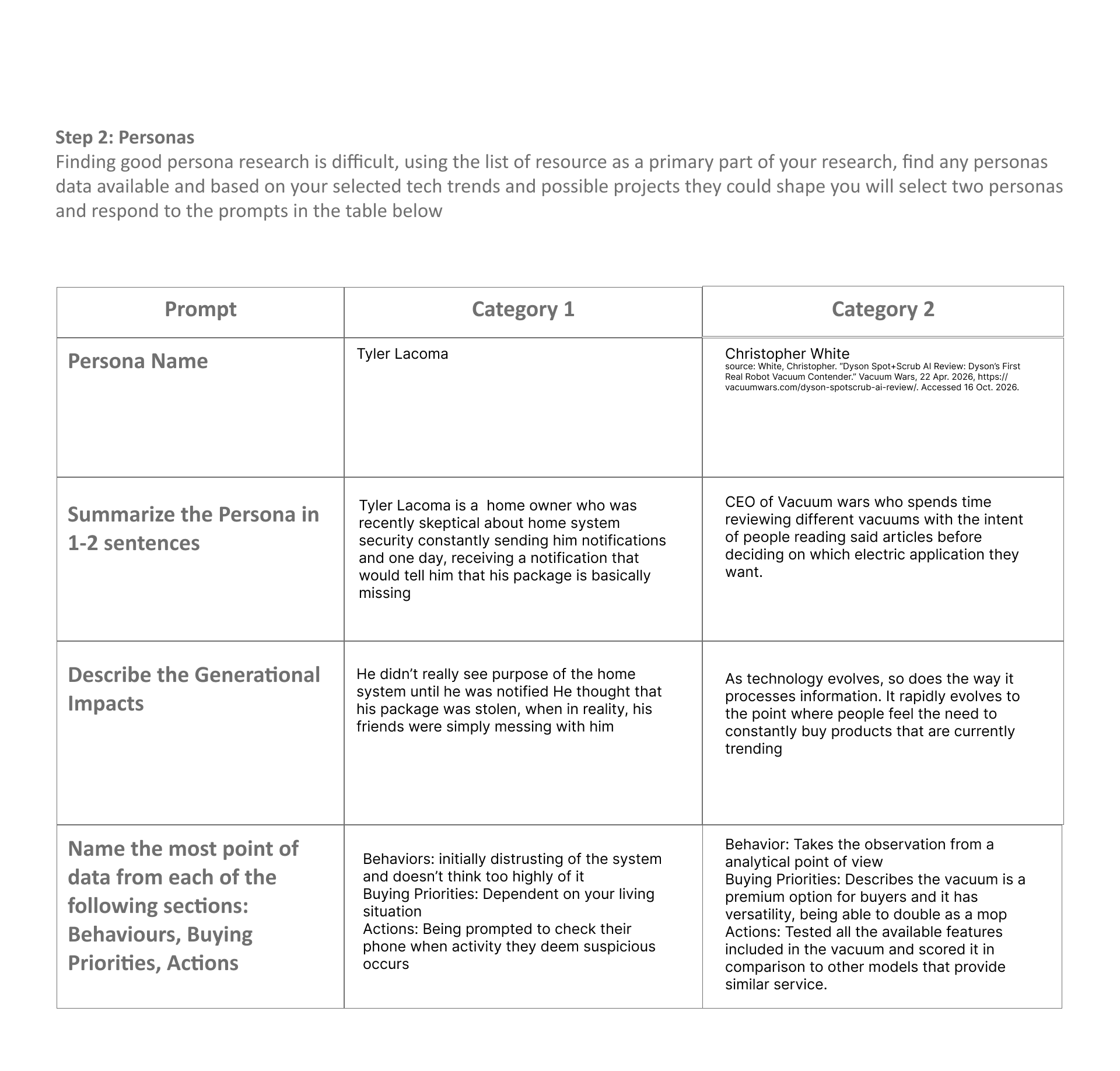
When it comes to persona research, most of the personas created were in reality, the people who wrote articles that I ultimately took interest in.

I had to mostly fill in the blanks for the personas by doing research into the previous articles created by these users and past events they've mentioned.

HMI Research

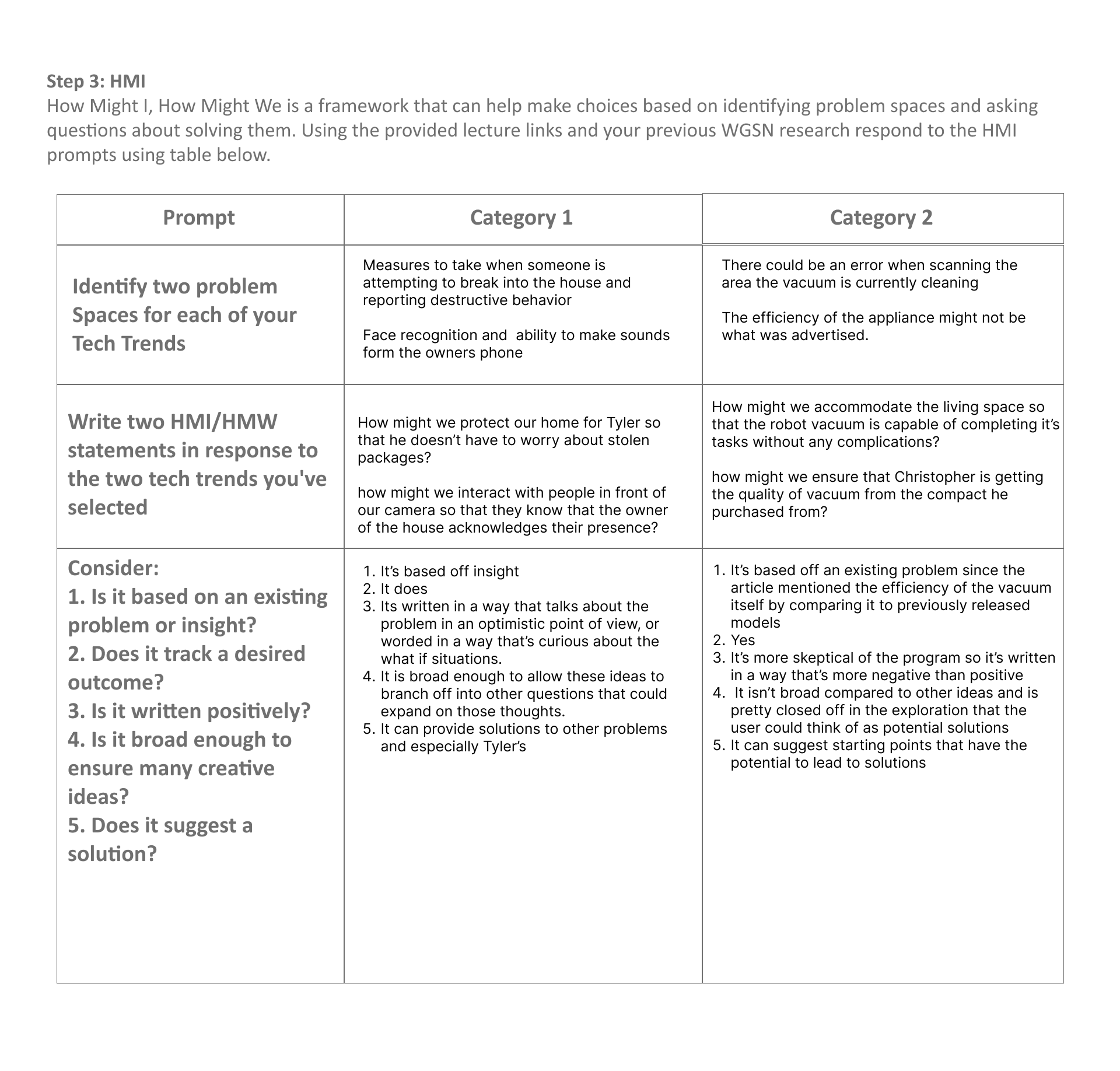
What I wanted to achieve at this step is to come up with questions related to issues I came across during my research for this step. Which issues did I want to pinpoint my focus onto?

For the HMI statements, I put myself in the perspective of the personas, trying to navigate their thoughts and feelings on the matter. For the statements themselves, I did what I could to come up with solutions that asked important questions that would help guide and steer the problem solving. My statements are based off insight and guesses based off what I know about the users from my research.

Project Path

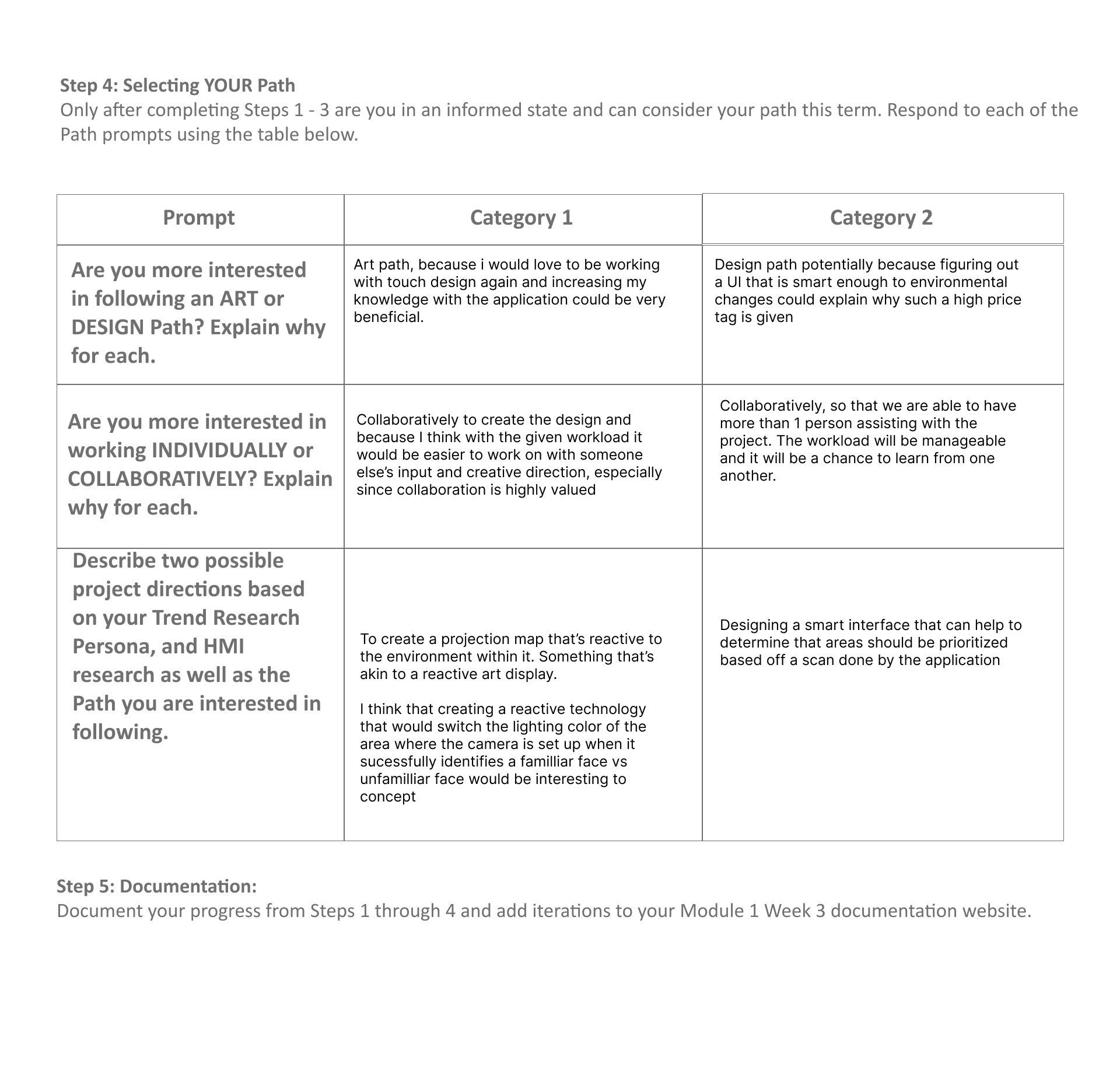
I always found myself to be more attracted to the art path when reviewing the project brief initially. I liked this assignment for research because during research, I found myself questioning the path I wanted to take initially because both paths have their advantages and disadvantages.

I eventually selected to work with the Art path after reflecting on the work I've done the past 3 weeks for this class. I view myself personally as someone who's creatively driven and am more intrigued by using touch design over protopie.

Project 1 Concept


Project 1 Concept

I had several concepts but found myself enjoying a concept revolving around strategy games and identity. As someone who plays a lot of card games, there are plenty of people who associate games with certain personality types, stereotyping them as a result. I think that utilizing a game such as chess to carry such an important concept would be something worth exploring and give the audience something to ponder about.
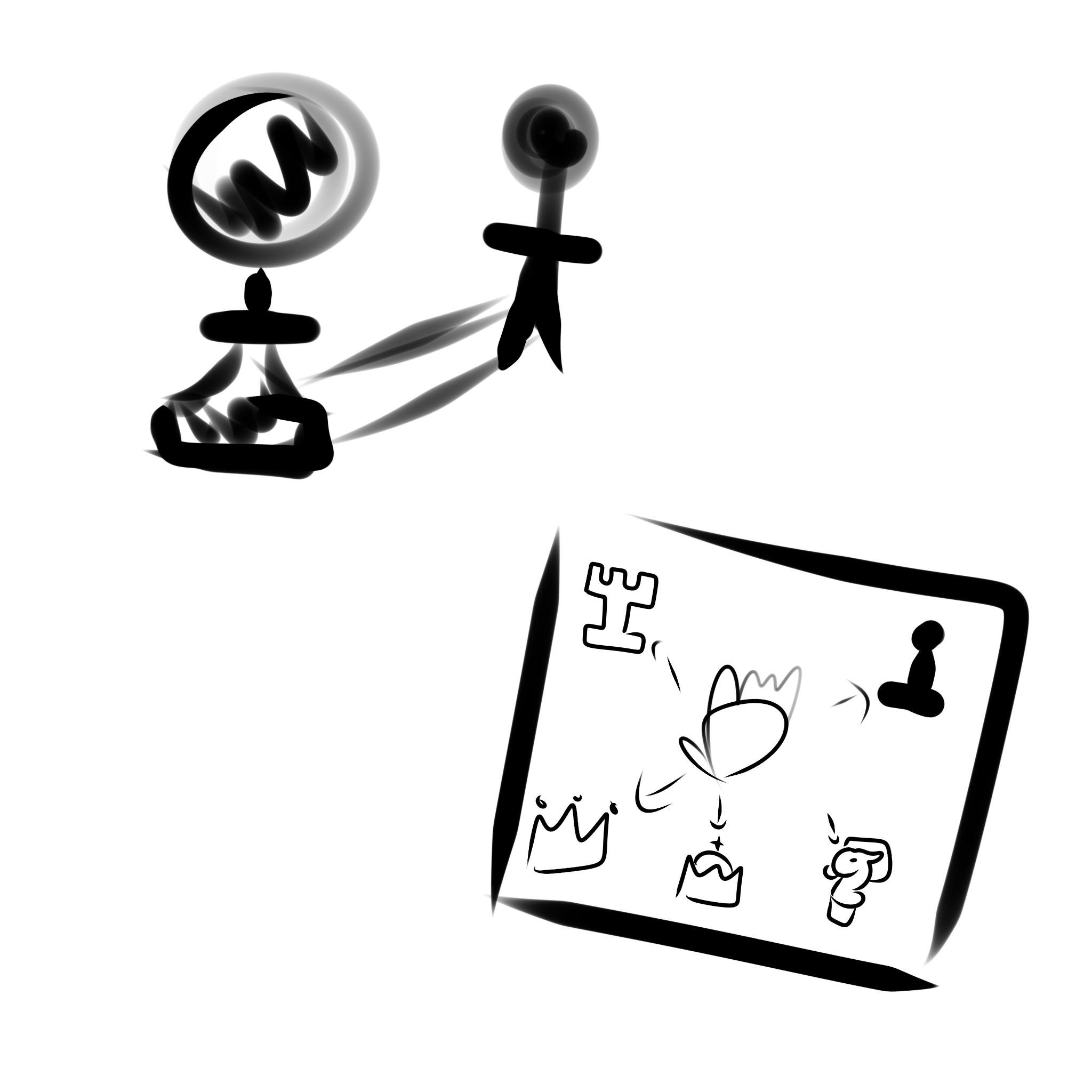
An interactive display based off shadow puppets that people make, but playing around with chess pieces since it’s possible for chess pieces to change forms depending on if the criteria are met. A prominent example being if a pawn travels all the way to the opposing side, they have an option to be reborn as a fallen chess piece. Aimed at people who enjoy chess, but also those who enjoy exploring options, this display could appeal to them. The part where the chess piece starts as a pawn and transform into different pieces, could also have a symbolic message towards queer individuals who are attempting to find out the identity as a person, which is a meaningful act for their representation.
×

Powered by w3.css